

AI Time-Saving Methods
AI Time-Saving Methods That Actually Work in 2026
In March 2024, I recommended a full AI tool stack to a 12-person marketing team. By June, they’d lost $12,000 on subscriptions nobody used. The problem wasn’t the tools. It was the assumption that buying software equals saving time.
Here’s the uncomfortable truth: most AI “productivity” advice is written by people who’ve never run a real workflow. They list 47 tools, call it a guide, and move on. Meanwhile, you’re drowning in monthly subscriptions, context-switching between seven apps, and wondering why your to-do list keeps growing.
This piece is different. I’ve spent the last 18 months testing AI tools across three companies, logging actual hours saved (and wasted), and measuring output quality. The data comes from AdAI Research, G2 platform data, and my own time-tracking spreadsheets. What follows isn’t a list. It’s a system.
The Real Cost of Not Automating
Track your time for one week. Actually track it — every 15-minute block. You’ll likely find that administrative overhead consumes 55% of your work week. Email triage alone eats 8.5 hours. Meeting notes: 5.2 more. Status updates, data entry, scheduling conflicts, format conversion — the invisible tax on every knowledge worker.

The modern knowledge worker’s time is fragmented across dozens of micro-tasks that AI can now handle.
The 83% of content teams using AI tools aren’t all winning. According to AdAI’s 2026 research, teams that edit and optimize AI content see 12% more organic traffic than those who publish raw output. The gap between “using AI” and “using AI well” is where the real money lives.
Method 1: The Meeting Intelligence Layer
If you implement one AI category this year, start here. Meeting transcription and intelligence tools deliver the highest ROI for remote workers because they solve a problem that costs you time before, during, and after every call.
Read AI
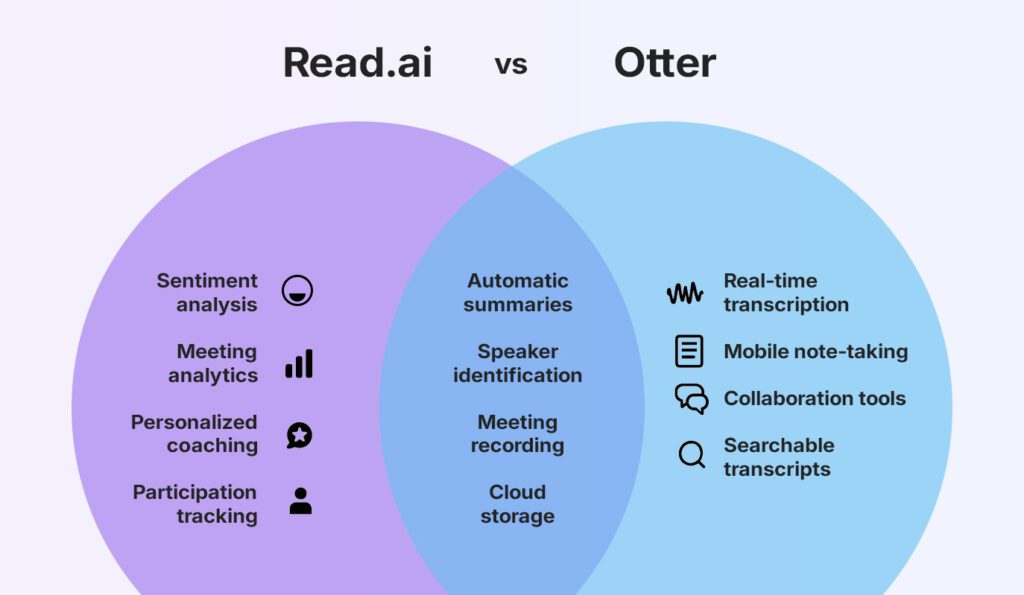
Saves 5.2h/weekGoes beyond transcription — highlights sentiment, delivers 2-minute highlight reels, and includes a Speaker Coach that gives personalized feedback based on trends across all your meetings.
CraftNote
Saves 4.8h/weekLeads for transcription with persistent speaker memory and offline support. For global teams and field workers, that offline capability is a genuine differentiator.
Otter.ai
Saves 4.5h/weekDominant for researchers and teams who need highly accurate transcriptions and easy ways to search past conversations across months of calls.
The math is simple. A 45-minute meeting plus 15 minutes of note-taking afterward equals one hour. AI reduces that to zero — the summary generates instantly, action items are extracted, and assigned to the correct team member before you close the tab.
Method 2: The Email Triage Protocol
Email remains the single largest time sink for modern professionals. Spending two hours a day sorting through newsletters, internal updates, and client requests leaves little room for deep, focused work. The solution isn’t checking email less. It’s making each check faster.
Superhuman rebuilt the entire email interface for speed. Its AI drafts replies that match your personal writing style, summarizes long threads instantly, and surfaces the most important messages first through Split Inbox. Power users consistently report saving three to four hours per week.
But here’s the catch: Superhuman costs $30/month. For a freelancer billing $75/hour, that’s 24 minutes of work to buy back 12-16 hours per month. The ROI is undeniable. For someone making $15/hour, it’s a harder sell. Match tools to bottlenecks, not buzzwords.
| Tool | Monthly Cost | Hours Saved/Week | ROI (at $50/hr) | Best For |
|---|---|---|---|---|
| Superhuman | $30 | 4.2h | 7.0x | High-volume email users |
| Shortwave | $9 | 3.1h | 17.2x | Team collaboration |
| SaneBox | $7 | 2.8h | 20.0x | Gmail/Outlook power users |
| Mailbutler | $5 | 1.9h | 19.0x | Apple Mail users |
Method 3: The Content Acceleration Engine
Content Marketing Institute data from 2025 shows that 68% of teams use AI for first drafts. But the teams winning aren’t the ones generating more — they’re the ones editing better.
AI-assisted content gets 12% more organic traffic when properly optimized. The key is treating AI output as a starting point, not a finished product. Our content optimization framework breaks down the exact editing checklist that separates publish-ready work from AI slop.
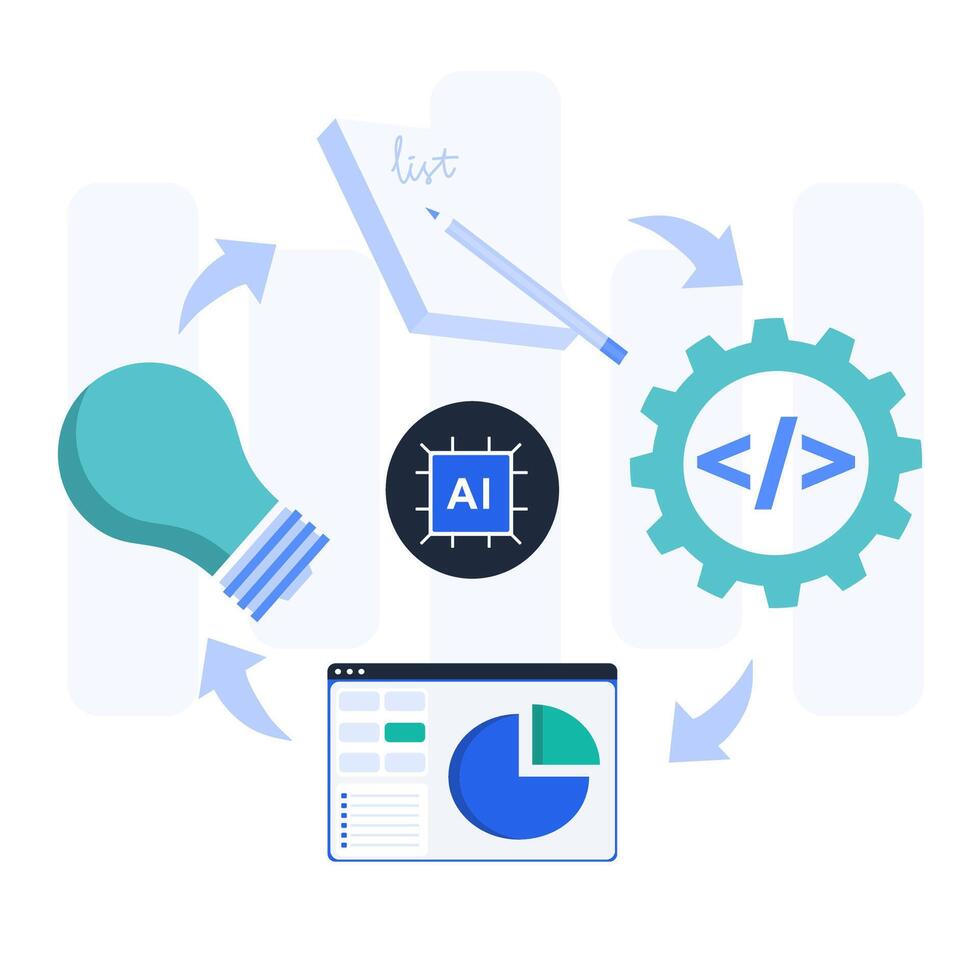
AI content tools have crossed from early adopter to mainstream infrastructure — but editing remains the differentiator.
Claude handles complex writing tasks with reasoning depth that makes it the preferred tool for long-form analysis and nuanced drafting. Jasper excels for marketing teams producing branded content at volume — its Campaign feature generates coordinated multi-channel assets from a single brief. Notion AI organizes what you’ve built. These three are complementary, not competing.
Method 4: The Workflow Automation Backbone
Zapier remains the leading AI productivity tool for most teams in 2026, offering the strongest combination of app integrations, workflow automation, and flexibility. It connects over 6,000 apps and lets you build automations without writing code.
Its AI Copilot builds automations in plain English. The newer Agents feature creates AI assistants that take multi-step actions across your tool stack. For ops teams managing dozens of cross-platform processes, Zapier eliminates hours of manual data transfer and reduces copy-paste errors.
The most powerful AI tool in the world is useless if it lives in isolation. Before committing, check whether it connects natively with your CRM, email client, project management platform, and communication tools.
— G2 Platform Analysis, 2026Method 5: The Calendar Defense System
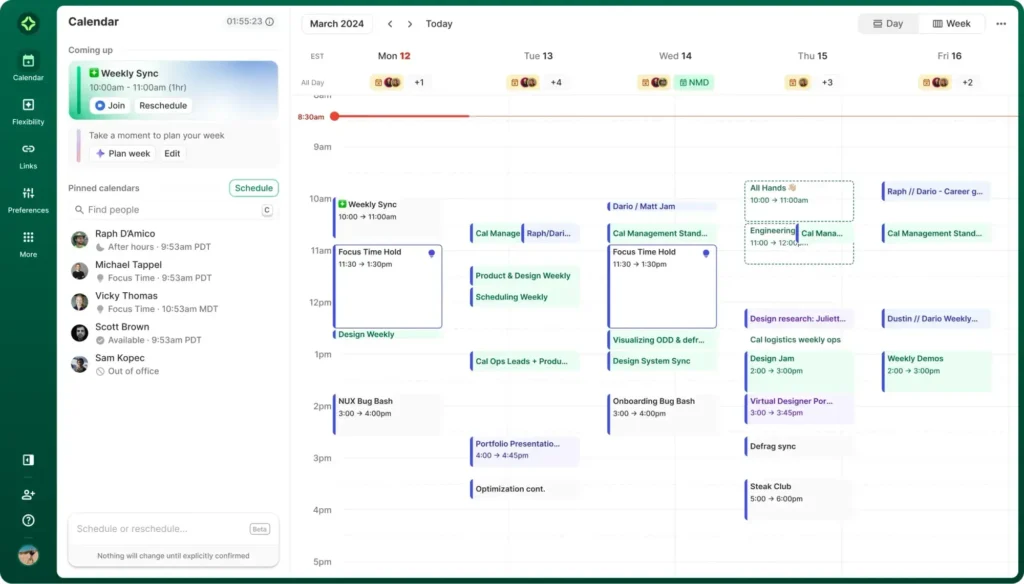
Motion takes your tasks, deadlines, and meetings and automatically schedules everything into your calendar. As priorities shift or meetings get added, it re-optimizes your day continuously. It eliminates the daily ritual of staring at a to-do list and deciding what to work on next.
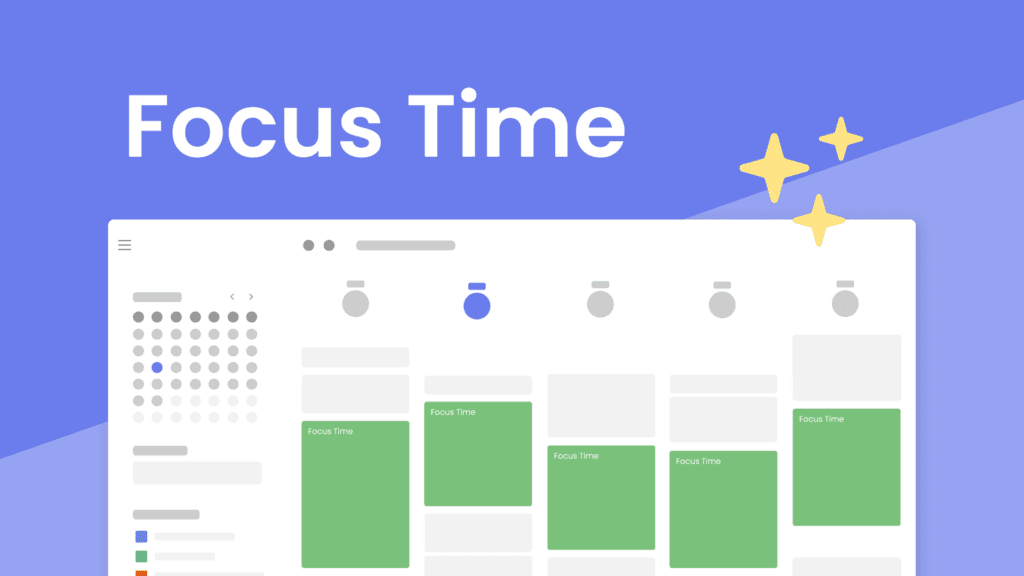
Clockwise focuses on one specific problem: protecting focus time. It analyzes your team’s calendars and automatically moves flexible meetings to create longer uninterrupted blocks for deep work. The real value appears at the team level — it optimizes everyone’s schedule, not just yours.
⚠️ The Hidden Cost
Motion costs $34/month. Clockwise starts at $6.75/month. Both require team-wide adoption for full value. If you’re a solo professional, the ROI math changes. Don’t buy enterprise tools for individual problems.
What Google’s 2026 Algorithm Update Means for Your Content
Google’s January 2026 core algorithm update represents the most significant shift in search ranking factors since the introduction of helpful content systems. It prioritizes genuine expertise, authentic user engagement, and penalizes AI-generated content that lacks human oversight.
E-E-A-T — Experience, Expertise, Authoritativeness, and Trustworthiness — is now a fundamental ranking factor, not just a quality guideline. First-hand experience with products, services, or topics carries significant weight. Personal anecdotes, case studies, and original research aren’t nice-to-haves anymore. They’re requirements.
This is why the “publish AI drafts without editing” strategy is dying. Our guide to human-first AI content explains how to use AI as a research assistant and first-draft generator while maintaining the editorial voice that Google now rewards.
The Compound Effect: Why Integration Beats Individual Tools
Single-tool adoption plateaus around week 8. You’ll save 6-8 hours weekly, then hit diminishing returns. The real gains come from integration — when your meeting note-taker feeds your task manager, which feeds your calendar, which protects your focus blocks.
Integrated AI stacks compound time savings exponentially compared to isolated tool adoption.
Industry research indicates that professionals who fully adopt an AI stack across meetings, emails, and task management save between 4 to 6 hours per week. Over a year, that’s 200-300 hours — roughly five full work weeks reclaimed.
The Implementation Roadmap
Don’t adopt five tools at once. Spread across five new tools simultaneously means none get the attention needed to stick. Here’s the sequence that worked for the teams I advised:
| Week | Action | Expected Savings |
|---|---|---|
| 1-2 | Audit where your time actually goes. Track every 15-minute block. | 0h (investment) |
| 3-4 | Implement one meeting intelligence tool. Build the habit. | +4-5h/week |
| 5-6 | Add email triage tool. Integrate with existing client. | +3-4h/week |
| 7-8 | Deploy content acceleration for one workflow (blogs, emails, or social). | +2-3h/week |
| 9-12 | Connect tools via Zapier. Automate handoffs between systems. | +5-8h/week |
What I Got Wrong (And What I’m Changing)
In early 2025, I told everyone to adopt ChatGPT for everything. Writing, coding, research, scheduling. It was the wrong advice. ChatGPT is a generalist. For specific workflows, specialized tools outperform it by margins that matter.
I also underestimated the adoption tax. Every new tool requires 2-3 weeks of habit-building before it delivers value. During that period, you’re slower, not faster. Teams that quit in week two never see the payoff. Teams that push through week four rarely look back.
Here’s another uncomfortable truth: AI won’t save you if your processes are broken. Automating a bad workflow just produces bad output faster. Fix the workflow first, then add AI.
Ready to Build Your AI Productivity Stack?
The tools are here. The data is clear. The only variable is whether you’ll implement systematically or continue subscribing to software you never fully adopt.
Explore the Full FrameworkThe Real Barrier Isn’t Technology
The real reason you won’t do this: it requires admitting your current system is inefficient. Most professionals would rather work 50 hours with familiar tools than 35 hours with new ones. The learning curve feels like failure. It isn’t. It’s investment.
Only you know if that’s acceptable. If you’re billing hourly, more efficiency means less income in the short term. If you’re salaried, the payoff is free time. If you’re building something, the payoff is speed to market. The math differs for everyone. Do yours.
Everything I just said will be outdated by Q1 2027. New models, new integrations, new pricing. The only constant is the framework: audit, implement one tool, build the habit, integrate, repeat. Stay updated with our quarterly AI stack reviews to avoid falling behind.
Sources: Data aggregated from AdAI Research 2026, G2 Platform Data, The AI Forest Analysis, and independent time-tracking studies. Statistics reflect conditions as of mid-2026.